

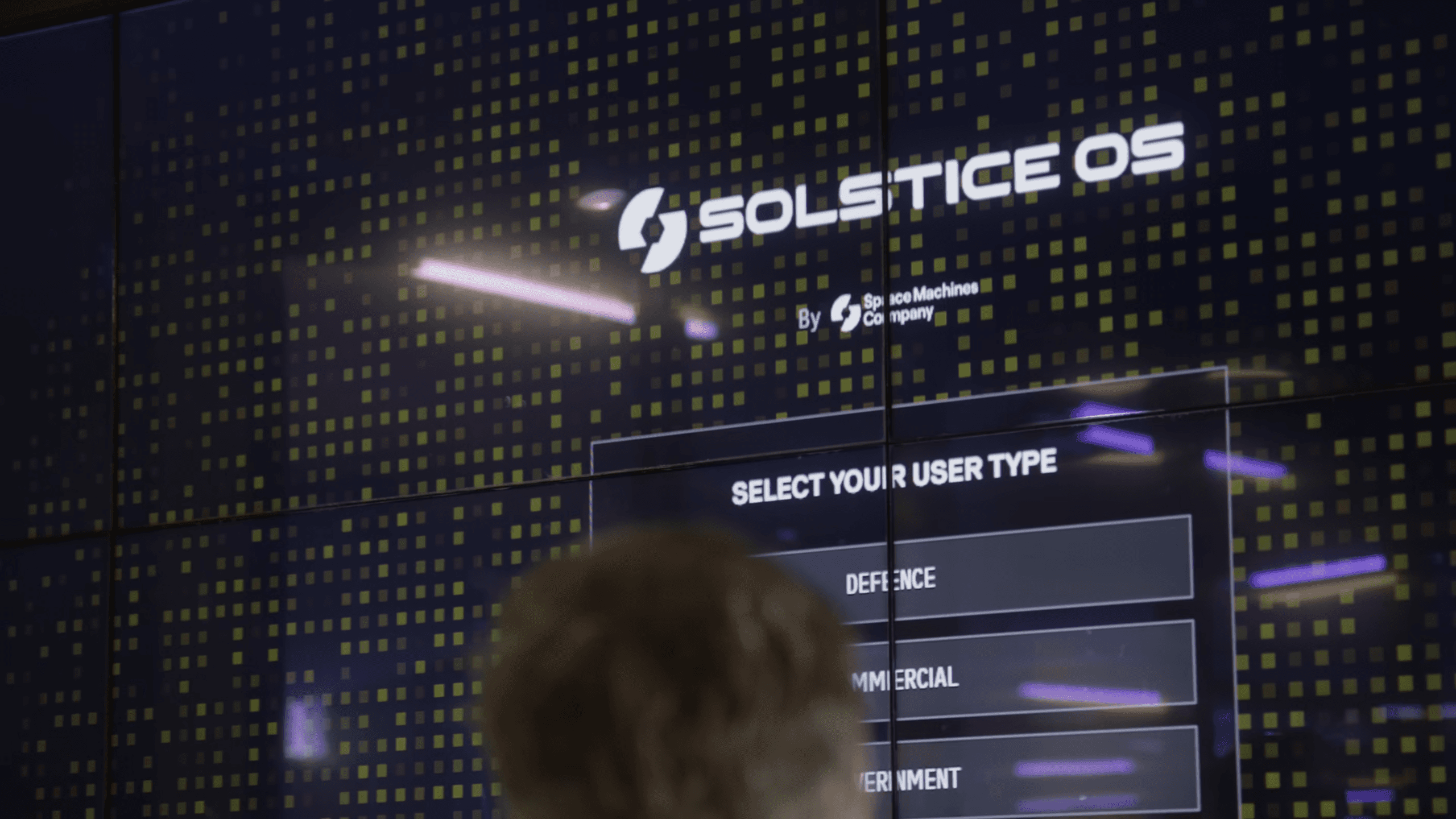
Solstice OS
Real-time threat detection paired with unified command and control for distributed orbital assets.
Solstice OS
System Overview
Unified command and control:
Solstice OS delivers unified command and control for distributed orbital assets. The platform processes real-time telemetry, executes mission planning, and manages autonomous operations across multi-vehicle networks through integrated software architecture.
Real-Time Asset Management:
Solstice OS maintains continuous state synchronisation with orbital assets, processing telemetry streams and executing command sequences with minimal latency. Distributed processing architecture ensures mission continuity across network disruptions.
Mission Planning & Execution:
Integrated mission planning tools enable complex proximity operations, trajectory optimisation, and resource allocation. Automated constraint checking validates mission feasibility while maintaining operator oversight and control authority.
Autonomous Network Coordination:
The platform coordinates multi-asset operations through distributed decision-making algorithms. Swarm intelligence capabilities enable coordinated manoeuvres while maintaining collision avoidance and safety protocols across the fleet.
Threat Analysis & Response:
Solstice OS leverages AI and advanced data analytics to continuously assess orbital dynamics. It identifies threats and generates responsive courses of action, including evasive manoeuvres for protected assets and coordinated tasking of rapid response vehicles.
Edge Processing & Intelligence:
On-board data processing transforms raw sensor feeds into actionable intelligence. AI-driven analysis prioritises critical information, reduces bandwidth requirements, and accelerates decision-making through automated threat detection.

How It Works
- 1
Identify Threats
Once you have identified the assets that the platform should monitor and plugged in your space domain awareness data, deviations in orbital paths that would result in uninvited close approaches, flybys and proximity operations trigger alerts generation of response plans.
- 2
Respond to Threats
Accept or edit the pre-configured response plan for the threatened asset and coordinate existing or additional required response mechanisms.
- 3
Search Objects
Search and select space objects through intuitive Earth-centred viewport interface. Access live space domain awareness databases to identify targets across LEO, MEO, and GEO orbital regimes with detailed object information and orbital parameters.
- 4
Assign Mission
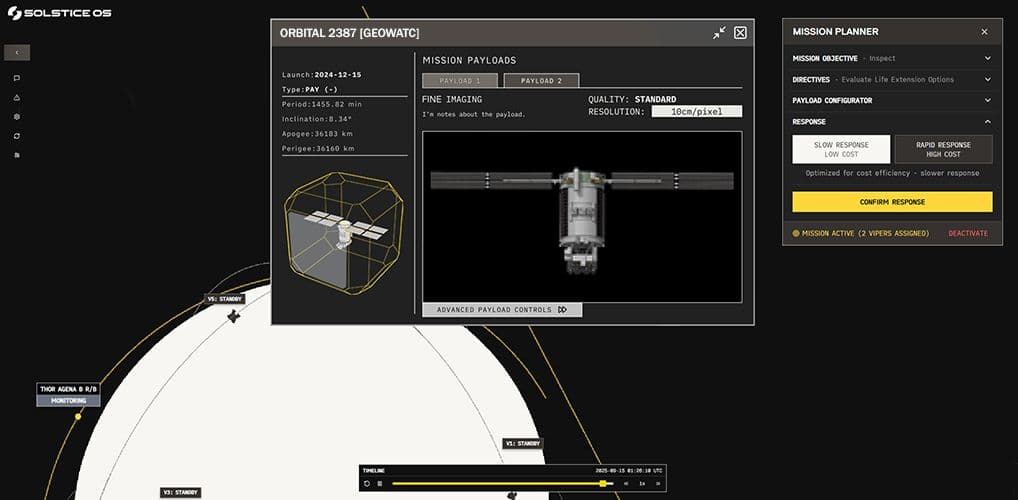
Define operational objectives for inspection, monitoring, or protection missions through parameter-driven goal configuration. Select mission directives that determine sensor requirements, proximity parameters, and operational constraints for your specific mission requirement.
- 5
Configure Payloads
Configure Optimus Viper sensor suites and resolution parameters to match mission requirements and target characteristics. Select imaging resolution from coarse optical (wide-field surveillance) to fine optical (sub-centimetre detail) with thermal, multispectral, and specialised detection.
- 6
Optimise Mission Parameters
Balance rapid response capability against cost-effective operations through integrated parameter adjustment interface. Real-time feedback displays mission cost implications, timeline requirements, and resource allocation to optimise your operational parameters.
Solstice OS Brochure
Request a Brochure
Get Notified
Sign up to be notified when our interactive demo is available.